Choosing a POS terminal is not only about the screen size. The right device depends on your software, your counter, the peripherals you use and how you want to take payments. Here is a simple checklist we use with our customers.
1. Start with your software
Your POS software decides the operating system.
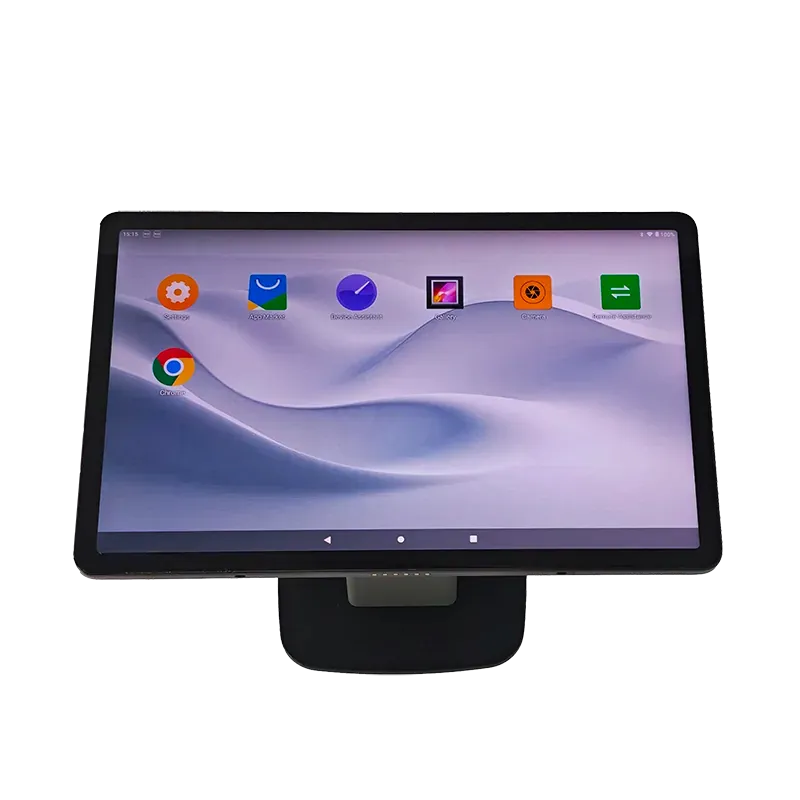
- Android is the most common choice for new cloud POS apps, restaurant ordering and SoftPOS payments. Android terminals start quickly, are easy to manage remotely and usually cost less.
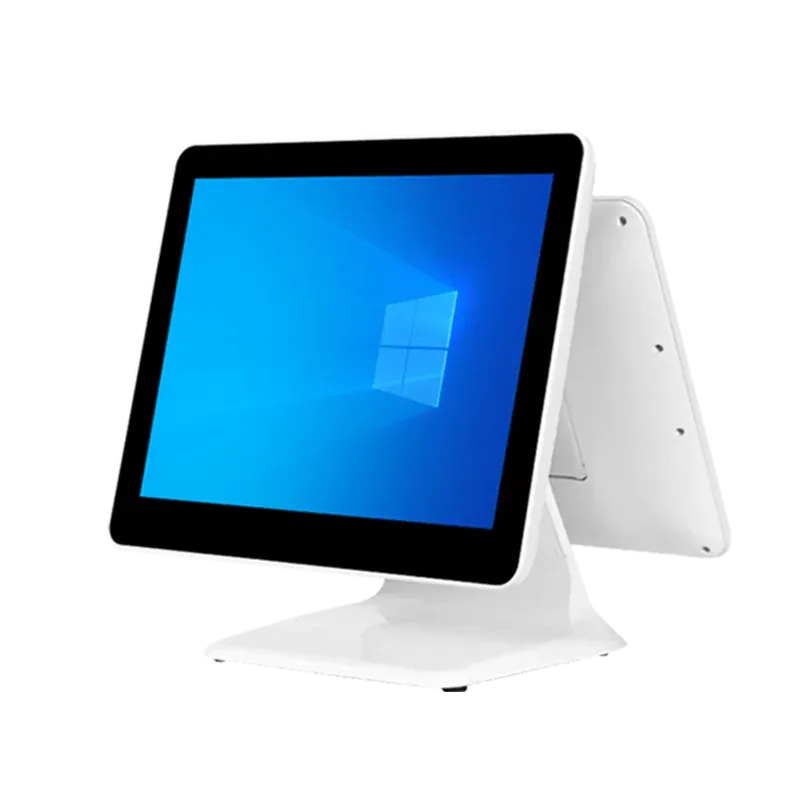
- Windows is still the standard for many established retail systems and back-office tools. If your software only runs on Windows, a Windows cash register such as the D10 is the safe choice.
If you are not sure, ask your software provider which platform they support best.
2. Pick the right form factor
| Form factor | Best for | Example |
|---|---|---|
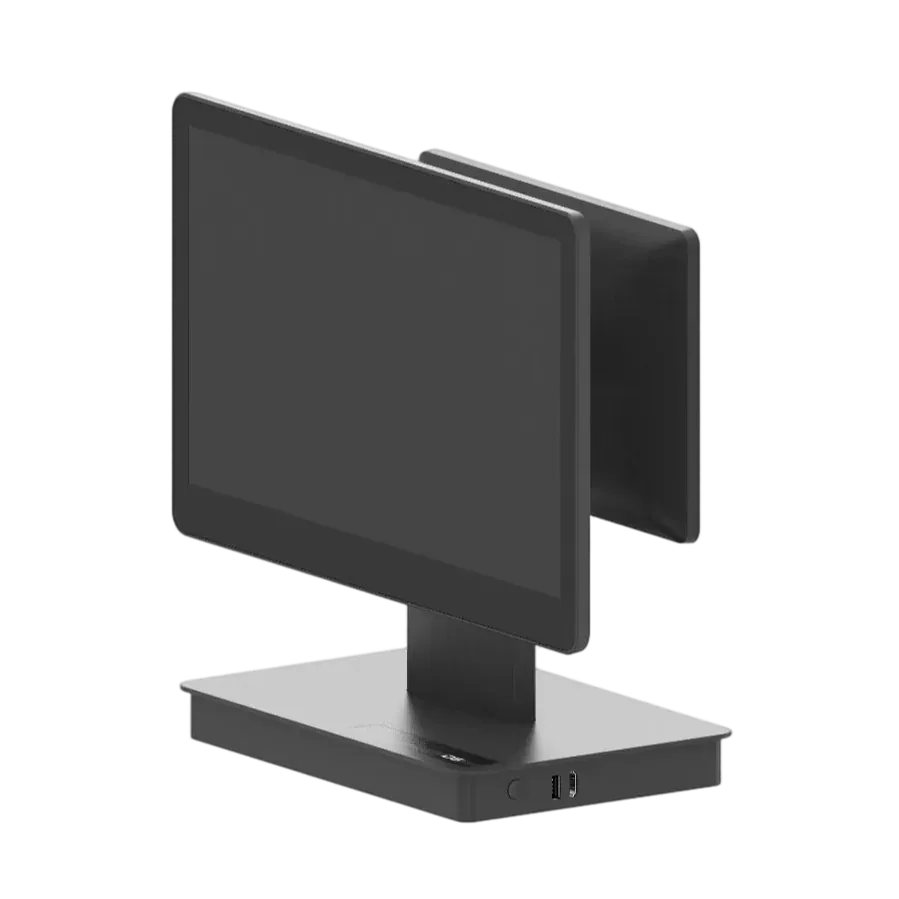
| Desktop cash register | Supermarkets, retail counters, busy checkouts | D6, D10 |
| Tablet POS | Cafés, small shops, counters with little space | T2, T4 Pro, T10 |
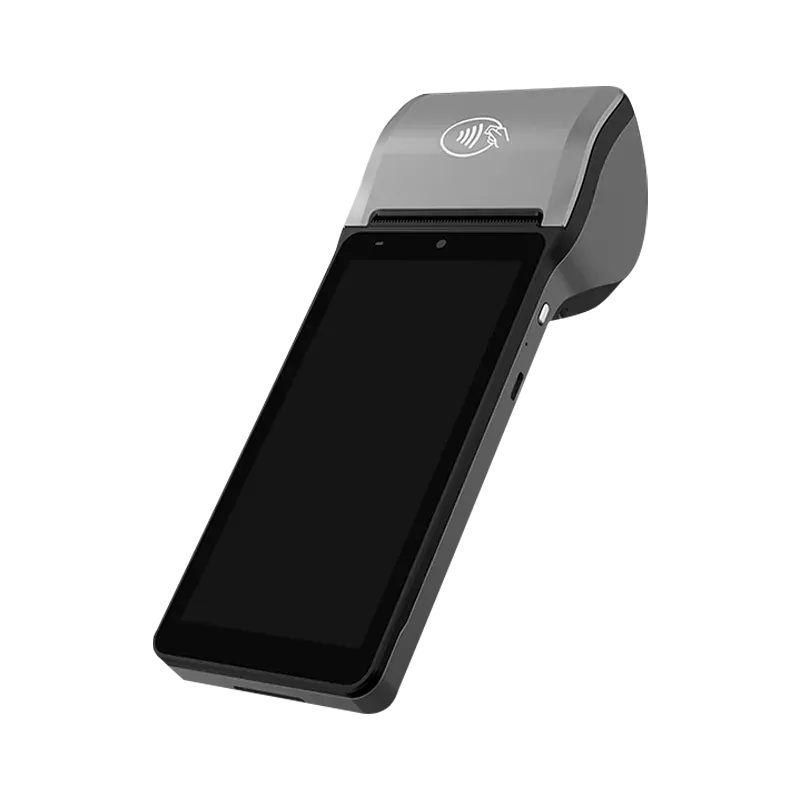
| Handheld POS | Table service, delivery, queue busting, parking | Q7, H62 |
| Self-service kiosk | Self-ordering and self-checkout | K156, K215 |
Many businesses combine them: a cash register at the counter, a kiosk for self-ordering and a few handhelds for the floor.
3. Check the ports and peripherals
List everything you need to connect: receipt printer, barcode scanner, cash drawer, customer display, scale or card terminal. Desktop terminals offer the most ports (USB, serial, LAN and cash-drawer ports). If your terminal has a built-in printer — like our kiosks and handhelds — you need fewer extra devices on the counter.
4. Think about payments
If you want to accept contactless cards and mobile wallets directly on the device, choose a model with NFC. NFC also allows SoftPOS apps, which turn the terminal itself into a card reader. NFC is built into the T4 Pro, T10 and H62, and available as an option on the Q7 and T2.
5. A customer display helps
A second screen facing the customer shows the items and the total, which reduces mistakes and builds trust. It can also show promotions while the customer waits.
6. Plan for management and support
When you run more than a few terminals, remote management saves time. A terminal management system (TMS) lets you install apps, push updates and check device status without visiting each store. Also ask your supplier about warranty, spare parts and how quickly they respond to technical questions.
Need help choosing?
Tell us about your business and your software, and we will recommend a configuration — or customise one for you through our OEM / ODM service. Contact our team.