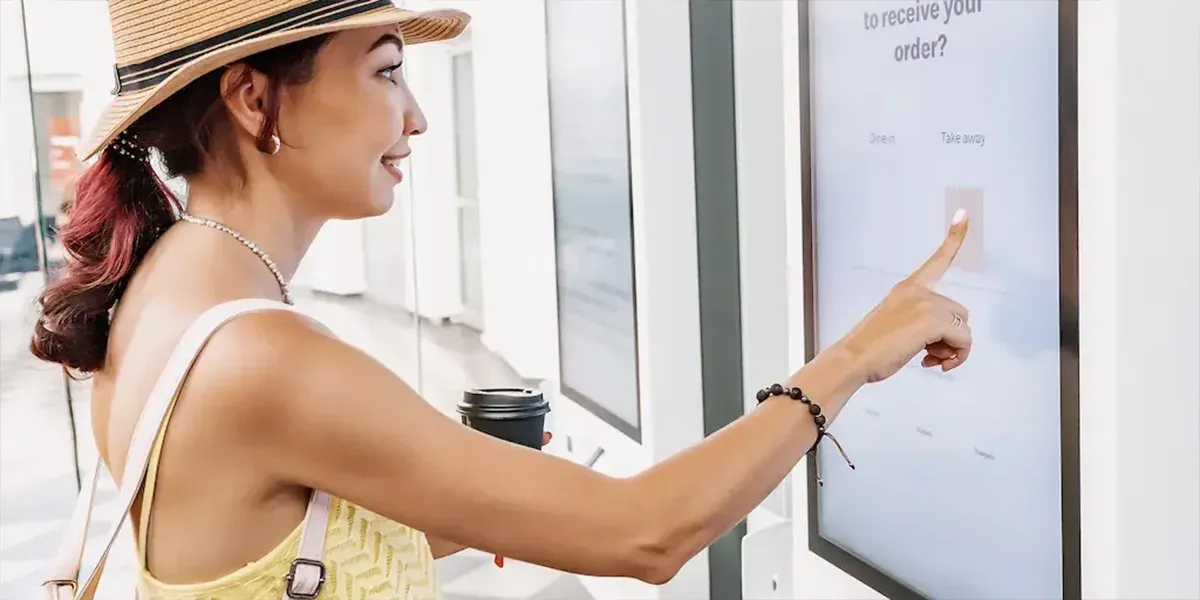
Self-ordering kiosks have become a familiar sight in quick-service restaurants, cafés and food courts. Guests browse the menu at their own pace, customise their order and pay — while staff focus on preparing food. Here is what to consider before you invest.
Why restaurants add kiosks
- Shorter queues: several kiosks can take orders at the same time, which makes a big difference at lunch and dinner peaks.
- Higher order value: pictures, combo suggestions and add-ons are shown to every guest, every time.
- Fewer mistakes: the guest enters the order directly, so nothing is lost between the counter and the kitchen.
- Better use of staff: team members move from taking orders to preparing food and serving guests.
Choosing the screen size
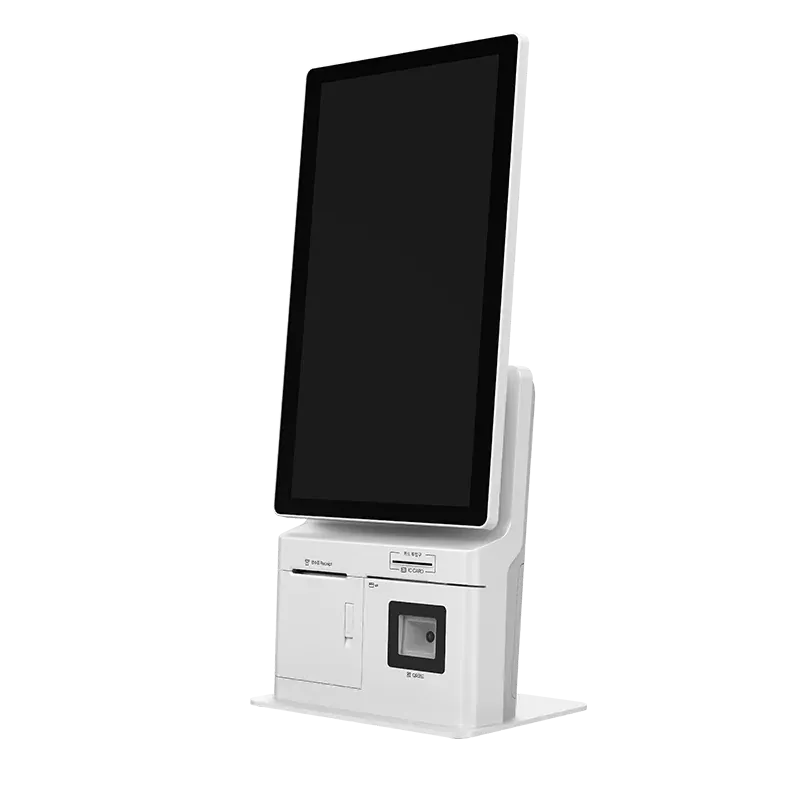
- 21.5-inch kiosks such as the K215 and K21B show more of the menu and suit busy restaurants and food courts.
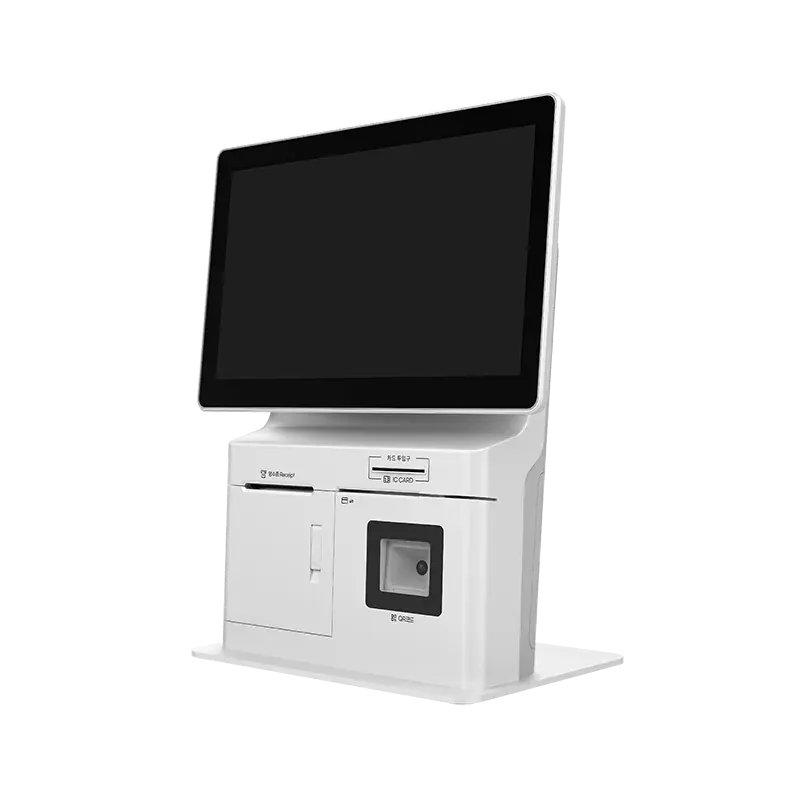
- 15.6-inch kiosks such as the K156 fit smaller spaces, countertops and cafés.
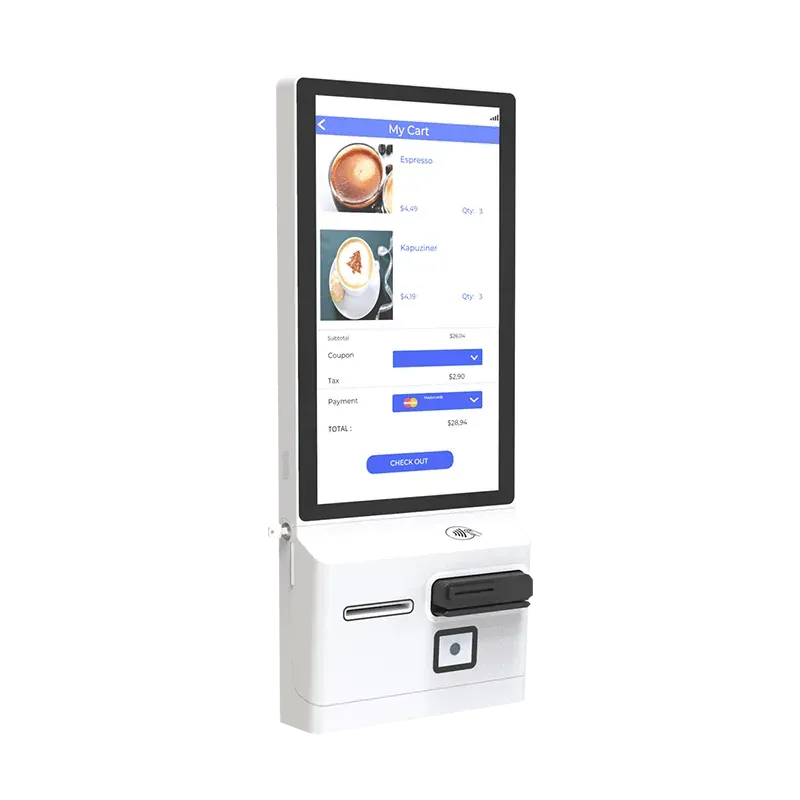
Our kiosks can stand on a counter or be mounted on the wall.
What should be built in?
A complete kiosk combines several devices in one cabinet:
- a receipt printer (80 mm with auto-cutter) for order numbers and receipts,
- a barcode scanner for coupons, loyalty QR codes and mobile wallets,
- a card reader (EMV/IC, MSR or NFC) for cashless payment, depending on your payment provider.
Because our kiosks run Android, most kiosk ordering apps can be installed directly.
Planning the roll-out
- Choose the software first. Make sure your ordering app supports kiosks and integrates with your kitchen display and POS.
- Confirm payment. Agree with your payment provider which card reader is certified for your market.
- Plan the space. Leave room for queues and make sure guests can see where to collect their order.
- Start with a pilot. Test in one location, collect feedback and adjust the menu design before rolling out.
- Manage remotely. A terminal management system lets you update menus and apps on every kiosk without a site visit.
Your brand on the kiosk
For restaurant chains and software providers, we offer OEM customisation — your logo, colours, boot screen and pre-installed software. Contact us to discuss your project.